
Dangtu Client is for Windows users who organize media from their own store or expressly authorized product pages and continue with batch image editing.
Confirm that you need the desktop client
The release listed by this site supports Windows 10 and Windows 11. Use the browser extension for a few authorized product pages and the client to organize authorized URLs and edit images in batches.
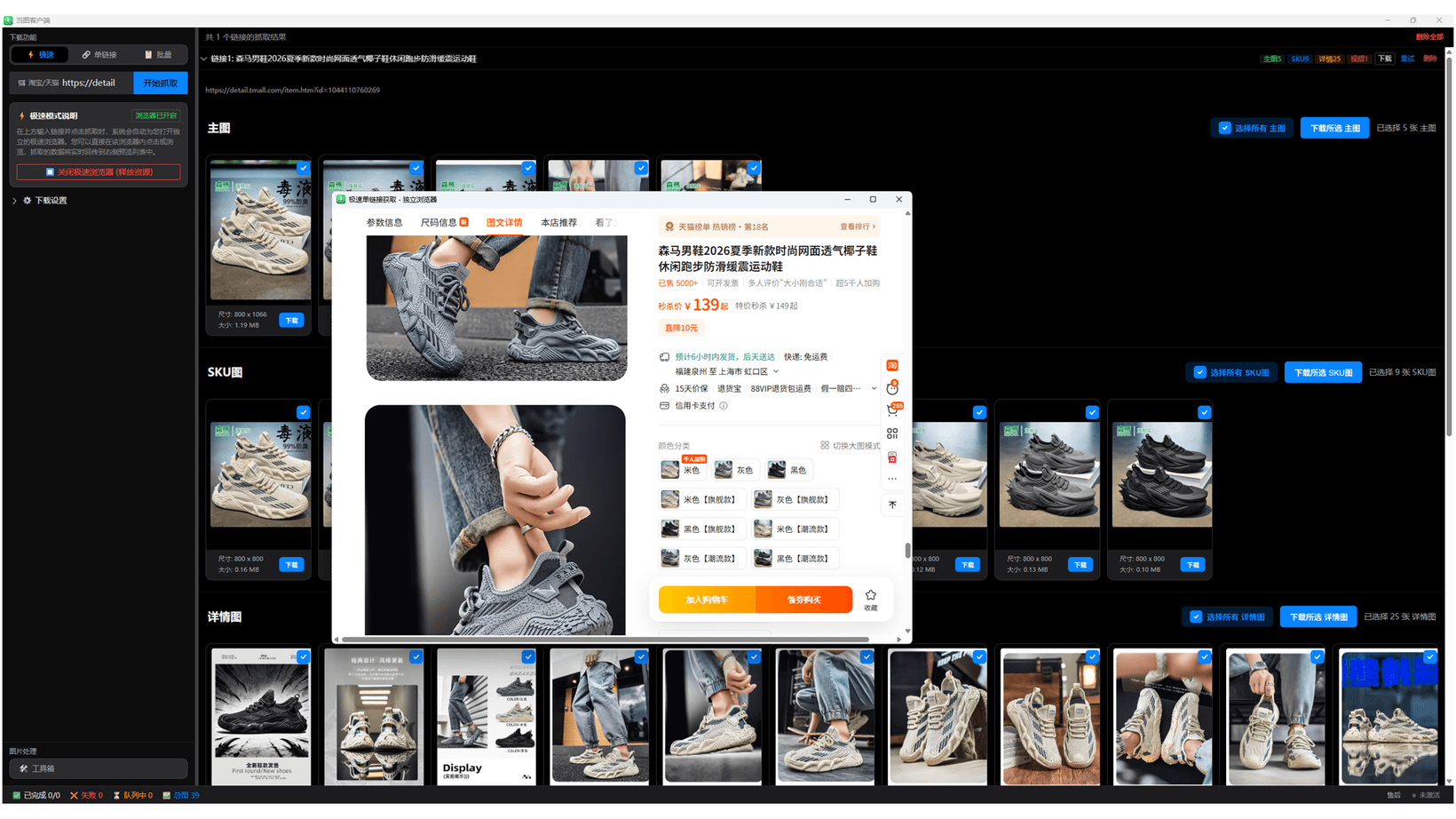
Choose a download entry listed by this site
The product page lists Microsoft Store as the recommended entry: the Store build is signed and distributed by Microsoft and does not trigger a SmartScreen warning during installation. The direct Windows installer suits users who want to keep the installer file locally. Start from this site instead of a third-party repack.
Dangtu Client is in the process of obtaining code signing, so running the exe installer directly may trigger a Microsoft Defender SmartScreen “Windows protected your PC” warning on some PCs because the publisher is unknown or the app has not yet built reputation. If you see this warning, confirm the installer comes from downpictures.com, then click “More info” and choose “Run anyway.” Do not run the file if its source, filename, or version does not match this site’s product page.
- Open the Dangtu Client product page.
- Microsoft Store is recommended to avoid the SmartScreen warning; choose the Windows installer if you need to keep the file locally.
- Verify the product name and complete installation.
- Run a small test with content you have rights to use.
Check live pricing before purchase
The current page lists plans from CNY 39.9 per month. Plans can change, so use the live purchase page linked by this site and avoid resold activation codes or modified builds.
Run a minimal first check
Test one URL from your own store or an expressly authorized product page. Stop when a site presents verification, HTTP 403 or 429, rate limits, or another security warning; do not evade the restriction.
Continue with Dangtu Client
Import Taobao and other product links from your own store or expressly authorized pages, then review and batch-download main, SKU, detail images and videos.
View download guidance and current pricingRelated guides
Dangtu Client Guide: Organize Authorized Product Media
Organize links from your own store or expressly authorized product pages and review main, SKU, and detail images plus video.
View detailsTroubleshootingDangtu Client Troubleshooting: URLs, Sign-in, Verification, and Downloads
Troubleshoot Dangtu Client by checking URL detection, sign-in, verification, queue, missing results, and file downloads in order.
View detailsComparisonDangtu Extension vs Dangtu Client for Authorized Product Media
Use the free extension for a few authorized product pages, or Dangtu Client to organize authorized links and edit images in batches.
View details