Generate from the current page
Click the extension to create a QR code for the current page, or enter any URL or text.
 Free browser extension · QR generation and scanning
Generate, style, batch-export, and scan QR codes
Turn the current page, any URL, or text into a QR code, customize colors and logos, create batches, and scan codes from images.
 Chrome / Chromium
 360 Secure Browser
 360 Extreme Browser
 Sogou Browser
 Quark Browser
 QQ Browser
 Edge
Edge Firefox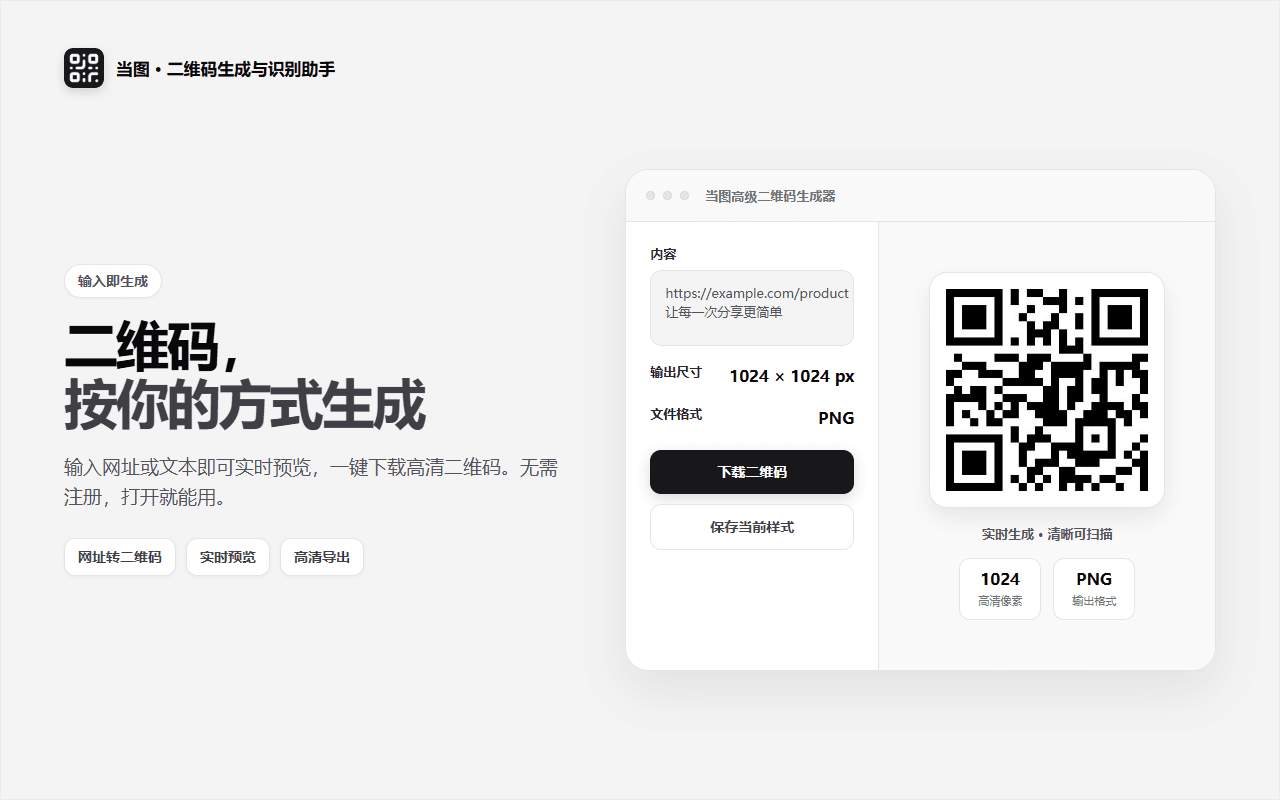
Dangtu QR Code is a browser-based QR generator and scanner. Open the extension to turn the current page, any URL, or text into a QR code, then customize its colors, patterns, logo, and output dimensions. Generate and download batches as a ZIP for campaigns or product operations, and scan QR codes from uploaded or pasted images when you need to recover a link or text. Core generation and scanning run locally in your browser.
Click the extension to create a QR code for the current page, or enter any URL or text.
Adjust modules, corners, foreground and background colors, logos, dimensions, and aspect ratio.
Enter one URL per line, assign filenames, and download the complete batch as a ZIP.
Upload or paste PNG, JPG, GIF, or WebP images and scan multiple results in one session.
Save, rename, update, and delete style presets or make one the popup default.
QR content, uploaded images, and optional clipboard checks are processed in the browser.
Share web pages, prepare campaign or commerce assets, create QR codes in batches, or recover URLs and text from QR screenshots.
Answers about downloads, installation, supported platforms, and everyday use.
Yes. The Chrome, Edge, and Firefox packages listed by this site are free to download and use.
Generate codes from the current page, a URL, or text; customize the design and size; export PNG, JPEG, SVG, or WebP; and download batch jobs as ZIP files.
Yes. Upload or deliberately paste an image, or use the image context menu. You can copy a result or open it after reviewing it.
QR generation, image scanning, and optional clipboard checks run locally and do not upload your entered URLs, text, or images for those functions. The extension may request company-maintained feature configuration and update information.
No. Smart clipboard detection is off by default and runs only after you enable it and approve the browser permission. You can disable it at any time.
Choose the Chrome, Edge, or Firefox package listed on this product page. Edge users can also install it from the Edge Add-ons store. Other compatible Chromium-based browsers can use the Chrome package as indicated on the page.
Choose a complementary tool when your content or task size changes.

Import Taobao and other product links from your own store or expressly authorized pages, then review and batch-download main, SKU, detail images and videos.

Open a Taobao or other product page from your own store or an expressly authorized page, then batch-select and save media you have the right to use.

Batch-find, filter, and save images, video, and audio from pages where you have lawful permission, including authorized product pages.
Choose the package listed for your browser, install Dangtu QR Code safely, and complete a first generation and scan test.
View details Dangtu QR Code · How to useGenerate QR codes from pages, URLs, or text; customize colors and logos; export batches; and scan codes from images.
View details