Full page scrolling capture
One-click automatic page scrolling and stitching. Captures the entire page from top to bottom while smartly handling fixed/sticky headers and floating overlays.
 Free browser extension · Full page screen capture & editor
Capture entire web pages with one click, annotate, and export in HD
One-click automatic scrolling capture of entire web pages, stitched into a high-definition image. Built-in annotation, mosaic blur, cropping, and PNG/PDF export—no extra permissions required.
 Chrome / Chromium
 360 Secure Browser
 360 Extreme Browser
 Sogou Browser
 Quark Browser
 QQ Browser
 Edge
Edge Firefox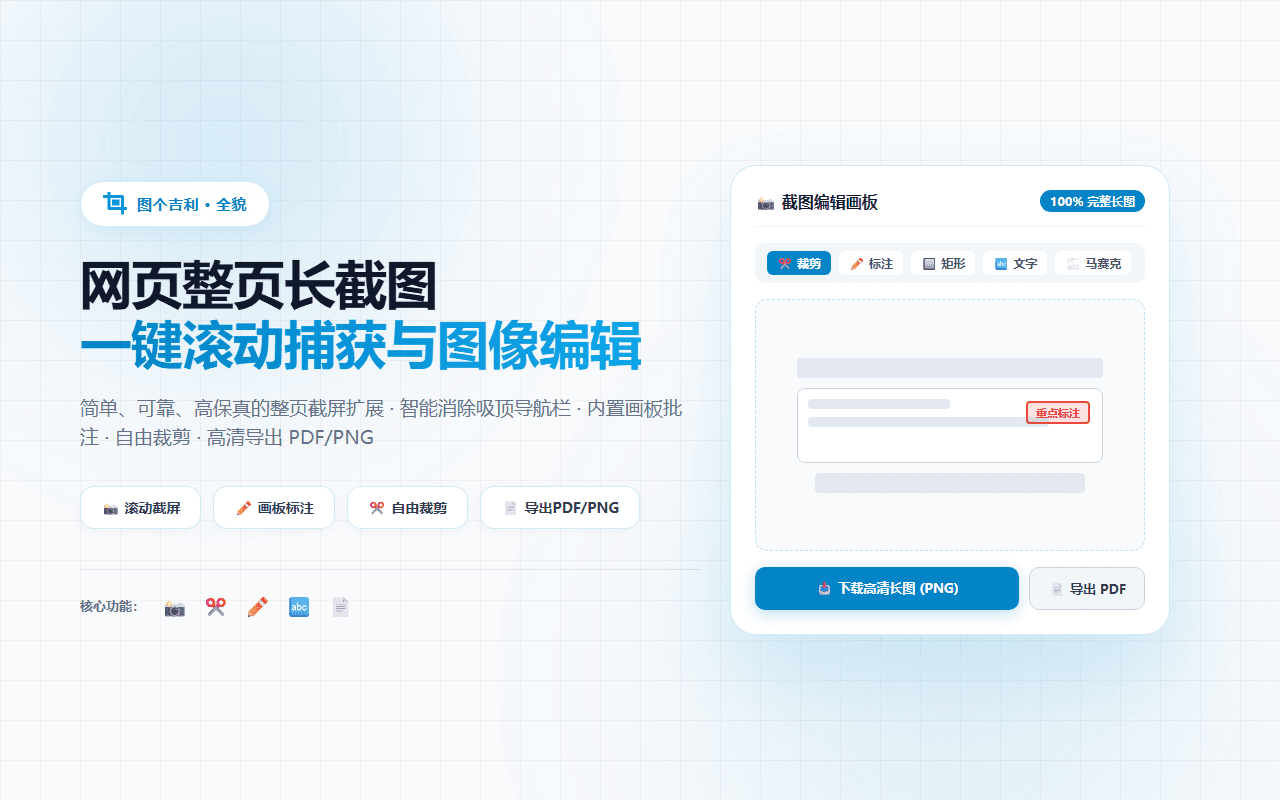
TuGet FullPage is a simple, reliable, and powerful browser extension for taking full page screenshots and annotating webpage captures. Whether you need to save long articles, product landing pages, complex dashboards, research documents, or chat threads, simply click the extension icon and watch it seamlessly scroll down the page and stitch every section into a single, high-definition image. All image capturing, canvas editing, and exporting are processed entirely in your browser's local memory. No account or login required, with zero telemetry or tracking.
One-click automatic page scrolling and stitching. Captures the entire page from top to bottom while smartly handling fixed/sticky headers and floating overlays.
Built-in canvas editor with arrows, rectangles, ellipses, freehand brush, text labels, and highlight boxes.
Easily conceal sensitive information (passwords, emails, phone numbers) with pixelated mosaic or blur tools.
Freely crop any region of your capture to focus on the essential content.
Instantly export to high-resolution PNG, JPG, or multi-page/single-page PDF documents (with smart page-break protection and active clickable link retention).
Minimal floating capture bubble on the side of web pages—drag anywhere and capture instantly without scrolling up.
Automatically saves captures to your local history gallery. Re-open, re-edit, or batch export your past screenshots at any time.
Trigger a full page capture from the right-click context menu without moving to the toolbar for a faster workflow.
For anyone who needs to capture full web pages, add annotations or blur sensitive information, and export high-resolution PNG or PDF files.
Answers about downloads, installation, supported platforms, and everyday use.
Yes. The Chrome, Edge, and Firefox packages listed by this site are free to download and use.
No. All image capturing, canvas editing, and exporting are processed entirely in your browser's local memory. The extension does not include third-party tracking SDKs, analytics, or behavioral tracking, and never uploads your screenshots or browsing history.
This site lists packages for Chrome, Edge, and Firefox. The Chrome package also supports the compatible Chromium-based browsers listed on this page.
Export to high-resolution PNG, JPG, or multi-page/single-page PDF documents (with smart page-break protection and active clickable link retention).
No. The extension only accesses the active tab when you trigger a capture. No extra unnecessary permissions are required.
Choose the Chrome, Edge, or Firefox package listed on this product page. Avoid packages from untrusted third-party sites.
Choose a complementary tool when your content or task size changes.

Import Taobao and other product links from your own store or expressly authorized pages, then review and batch-download main, SKU, detail images and videos.
Open a Taobao or other product page from your own store or an expressly authorized page, then batch-select and save media you have the right to use.

Batch-find, filter, and save images, video, and audio from pages where you have lawful permission, including authorized product pages.