Find product content automatically
Find main images, SKU images, detail images, and videos.
 Free browser extension · Product image and video batch download
Batch-download product main, SKU, detail images and videos you may use
Open a Taobao or other product page from your own store or an expressly authorized page, then batch-select and save media you have the right to use.
 Chrome / Chromium
 Sogou Browser
 Quark Browser
 QQ Browser
 Edge
Edge 360 Browser
 Firefox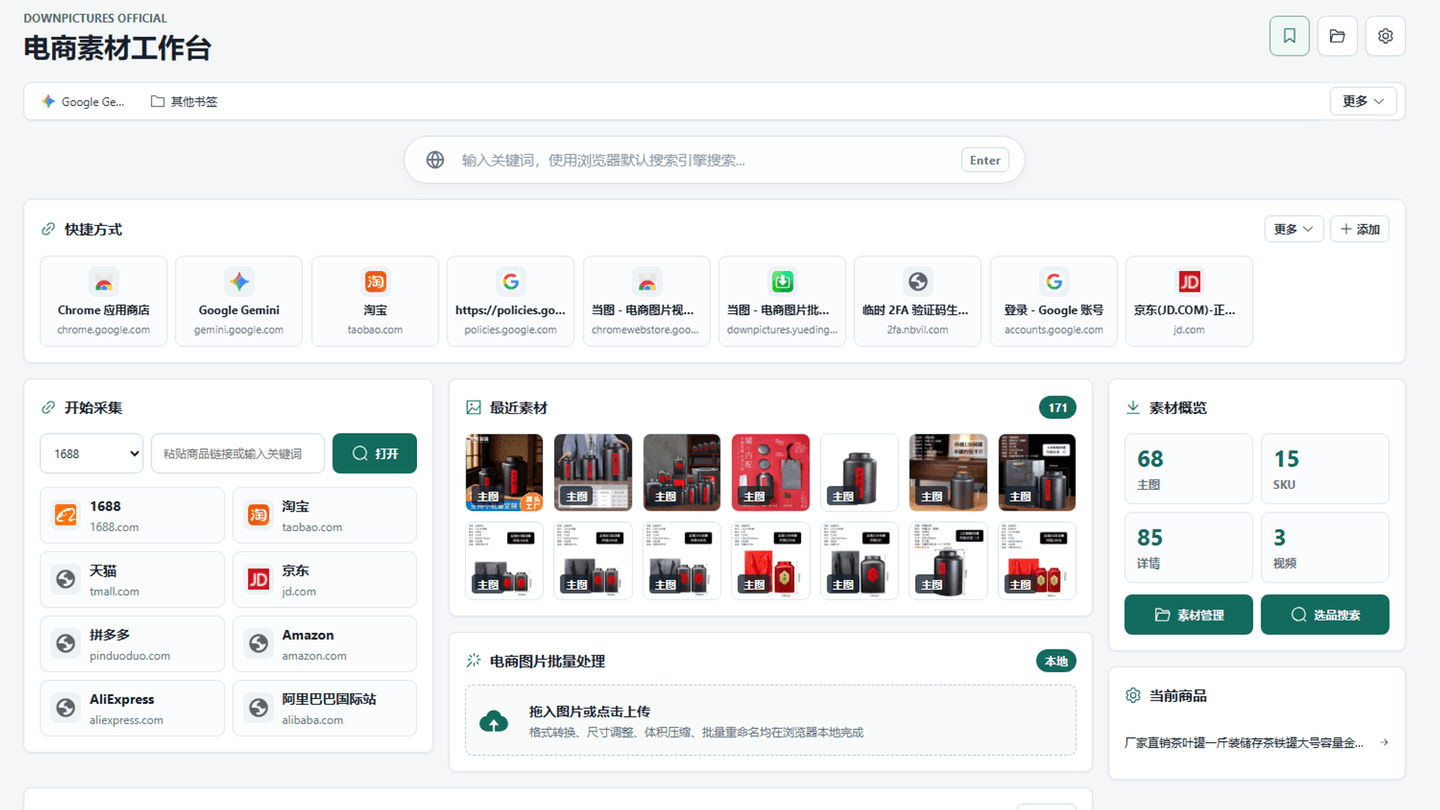

Use the extension for media from an authorized current page, and the paid Dangtu Client to organize media from your own store or expressly authorized pages and edit images in batches.
Dangtu (DownPictures) can find main, SKU, and detail images plus video on your own store pages or product pages you are expressly authorized to process. Save only content within the authorized scope, and stop when a site presents access restrictions or security verification.
Find main images, SKU images, detail images, and videos.
Select the images and videos you need and save them together.
Availability depends on page structure, authorization, and applicable platform rules.
Save only media the page normally provides and that you have the right to use.
Organize media you are allowed to use while browsing your own store or authorized product pages.
Answers about downloads, installation, supported platforms, and everyday use.
Yes. The Dangtu browser extension is free to download and use.
This site lists packages for Chrome, Edge, and Firefox. The Chrome package also supports the compatible Chromium-based browsers listed on this page.
Download the package for your browser and follow the extension-management steps in the installation guide.
Only content you created, that you or your organization lawfully own, or that the rights holder and relevant platform expressly authorize you to use. Do not process arbitrary third-party stores or bypass site restrictions.
Choose a complementary tool when your content or task size changes.

Import Taobao and other product links from your own store or expressly authorized pages, then review and batch-download main, SKU, detail images and videos.

Batch-find, filter, and save images, video, and audio from pages where you have lawful permission, including authorized product pages.

Turn the current page, any URL, or text into a QR code, customize colors and logos, create batches, and scan codes from images.
Choose the Dangtu (DownPictures) package listed for your browser and install it safely in Chrome, Edge, or Firefox.
View details Dangtu · How to useUse Dangtu on your own store or expressly authorized product pages to find, filter, and save media within the authorized scope.
View details Dangtu · TroubleshootingTroubleshoot empty results, missing authorized product media, low-resolution thumbnails, and failed multi-file saves in Dangtu or DownPictures.
View details